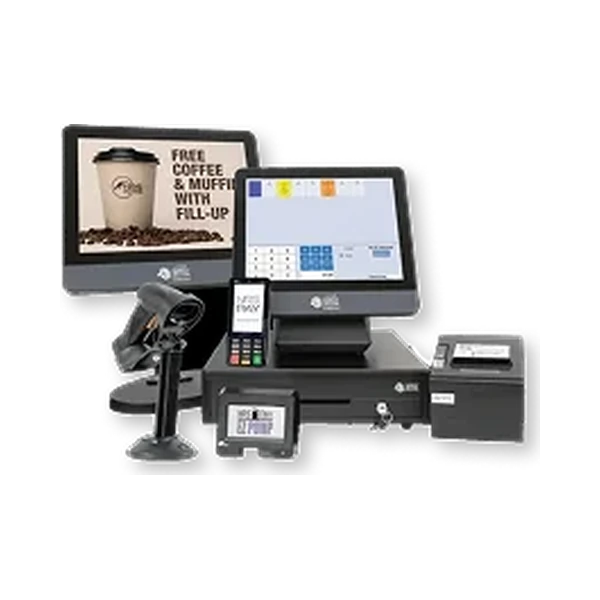
01 / 03

At the terminal
What goes wrong
Declines and errors from hardware and processing that were never set up to work together.
How the setup helps
Terminals and processing configured as one system, so fewer payments fail for avoidable reasons.
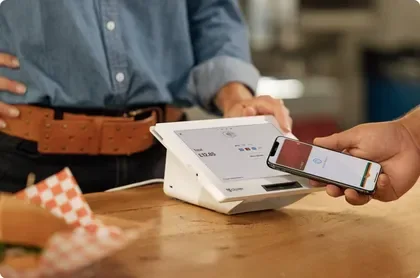

Modern POS puts the register, the payment processing and the support into one plan. Tell us how your business runs and we'll line up Clover, NRS and PAX options, then configure the one that fits.
Today's sales
$4,820.50Across all registersTransactions
128Completed todayAverage sale
$37.66Per transactionSample transaction · $42.00 · contactless
An illustration of connected checkout. Available reporting depends on your selected POS software.
years serving U.S. businesses
businesses served
U.S.-based support
A card that won't go through. A line that won't move. A shelf that says one thing while the register says another. Every one of them lands on the customer. The answer is a system set up around your store, not another tool your staff has to work around.
Declines and errors from hardware and processing that were never set up to work together.
Terminals and processing configured as one system, so fewer payments fail for avoidable reasons.
Extra taps, slow lookups and one register doing all the work at rush hour.
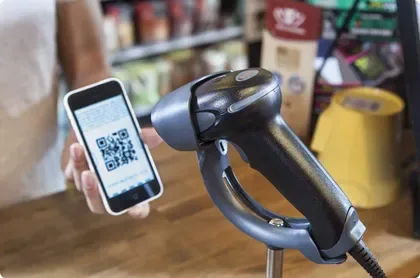
A register, scanner and payment flow chosen for your volume, with steps removed right where the line forms.
Prices and counts that differ between registers or locations.
One shared catalog, so every register sees the same item, price and stock level.
Every type of business has its own checkout headaches. We size the hardware and payment setup to your transaction volume, your catalog and the way customers move through your space.
Sell, return and restock without losing track of sizes, colors or promotions, whether you run one register or several.
Take payment at the counter or the table, split the check, handle tips and keep orders moving to the kitchen when every seat is full.
Book the appointment, check out the client and keep tabs on staff and loyalty from the same system.
Thousands of items, weighed produce and several lanes open at once, all moving at checkout speed.
Quick lookups and one pricebook for every register, with fuel connected where your NRS Petro setup supports it.
Age prompts at the moment of sale, plus the vendor, compliance and loss-prevention tools that restricted products call for.
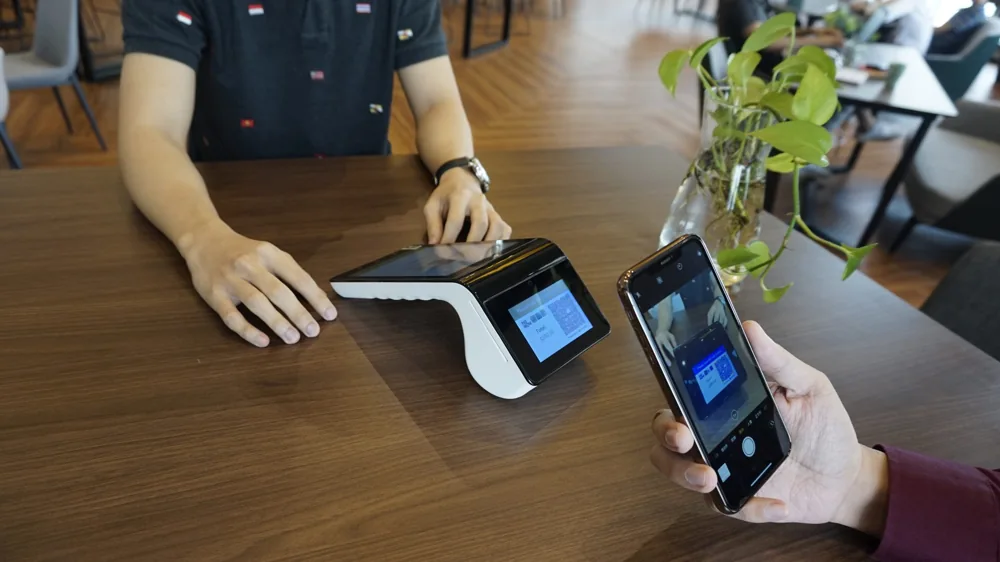
Portable terminals that take cards, taps and mobile wallets wherever the counter isn't, then sync when you're back online.
Clover, NRS and PAX each shine in different stores. We compare them against how you sell, then match the devices and peripherals to your counter.
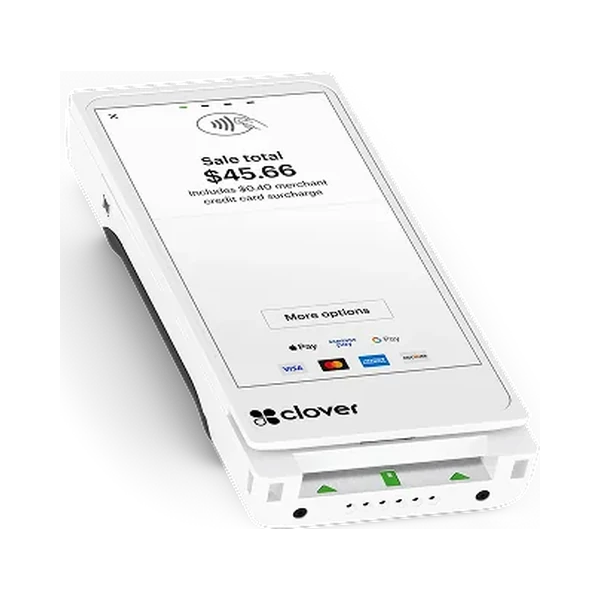
Retail, restaurants and service businesses.
Keep what works: pair your current system with new peripherals.
Accept chip cards, tap, major mobile wallets and other card-present methods, depending on the processor, terminal and business type. EBT/SNAP where your configuration supports it.
You tell us how you sell. We handle the matching, the setup and the support after you go live.
your industry, locations, current POS, checkout flow and rough processing volume.
we listen first and map what your register has to do.
a quote that lists hardware, software and processing terms before you commit.
platform, devices, peripherals and payment setup, chosen for your workflow.
confirm your catalog or menu details and learn the essentials.
approved equipment is provisioned and payments configured, and we walk your team through setup and the basics.
take payments.
U.S.-based support whenever questions or technical issues come up.
Timing depends on approval, shipping, hardware availability and setup scope. You'll get a timeline once your configuration is set.
A POS only works when the hardware, processing, software and support work together at the register. We coordinate all four so you don't have to.
Your processor and hardware are matched before go-live, and the system arrives set up around your checkout. Payments, reports and daily numbers live in one easy dashboard.
Hardware, software and processing terms are spelled out before you sign, not hidden behind a teaser rate.
U.S.-based support for setup and technical questions, 24/7, not just a help center. Support scope follows your merchant agreement.
Card data runs through your approved processor using industry-standard practices, and you keep your own PCI responsibilities. EMV chip and contactless on supported terminals. Encrypted connections for website forms and supported integrations. Certifications belong to the processor or hardware vendor that holds them.
Modern POS puts the register, the payment processing and the support into one plan. Tell us how your business runs and we'll line up Clover, NRS and PAX options, then configure the one that fits.
From your first quote to setup and technical support, we help you choose a configuration that fits the way you sell.
Get my free quote
What's driving the move to Clover, and when it's the right fit for a growing shop.
Read guide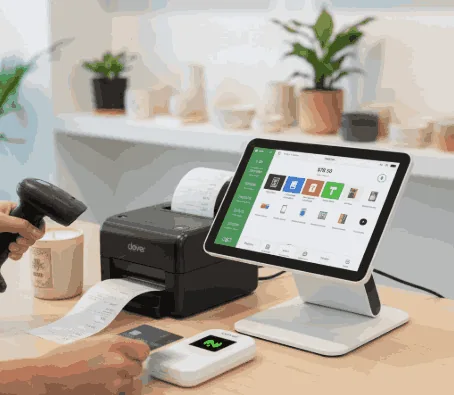
The parts of a modern point-of-sale setup, and what each one does at the register.
Read guideTell us your business type, how you take payments today and what's getting in the way. We'll compare the options that fit and send a quote with the configuration and terms spelled out.
Pick your business type to see which platforms fit and what your setup should cover.